A directory of skills and agents
AI Projects
There's a lot of AI noise right now. Everyone's deck says AI. I'm less interested in talking about it and more interested in shipping with it. This is the stuff I've actually built and run on real client work: agents that run on their own and remember things, skills I fire off when I need them.
Four of them are downloadable right from this page. I stripped out the client layers, the mechanics are all there. Take them, run them on your own brand.
Gates, not autopilot
Every one of these has spots where a person with taste makes the call. AI creating in a vacuum has no outside exposure. The gates are where I come in.
AI runs production, not the taste
I set the look on the first one. The system handles the next 150, which is the part nobody wants to do anyways.
Score before you ship
Nothing ships because someone sounded confident in the room. Copy loops through scoring agents until it earns a number.
Real-Time 3D Product Engine
This one's an experiment I keep coming back to: Stable Diffusion running in real time, so I can art direct a product scene the way you'd direct a set. Type kitchen, we're in a kitchen. Office. Garage. Park. Green headphones, red headphones. The scene follows the direction as fast as I can give it.
Same rule as everything else here: it's all about minimizing hallucination. The product rides on a locked 3D model, and presets keep it accurate while everything around it stays flexible. A work in progress, but you can see where this goes: live art direction for prototyping, moodboards in minutes instead of days, and testing a scene before you ever book a shoot.
Tools usedStable Diffusion server·3D product model·Preset system I built·Live text direction
70-second demo, narrated. Sound on.
The Brand Photographer
This one fills the gaps around a shoot, it doesn't replace one. You need an angle that never got framed, or the colorway that didn't exist at the last shoot. Most AI tools take one photo and ask the model to imagine the rest, and on a $300 product where the logo and texture matter, it guesses wrong. So I lock the product first: reference photos, or an exact render from a 3D model. AI only builds the world around it.
This isn't one photo in, a thousand ads out, spray and pray. And no AI people, ever. That's a design decision, not a limitation. Products and lifestyle scenes only.
How it works
Reference cards ride with every prompt. They're why image 3 and image 43 look like the same photographer shot them.
Tools usedClaude Code·Nano Banana 2·fal.ai·GPT Image·Veo
The Ad Engine
First drafts from AI are generic. Everyone who's used it knows this. The value is the system around it. I pull what competitors are actually running from the Ad Library, sorted by how long each ad has been live, because nobody keeps paying for a loser. I scrape their landing pages so I can see the whole funnel message, and I check Reddit for the pain points nobody in the category is answering. That becomes a written test plan I sign off on. I keep calling the clusters themes, but really they're formulas that are already working out there.
Then copy runs through eight scoring agents until everything clears 90. Three to six rounds, usually. That loop is what filters out the slop. These need to be polished and on brand, and I want to lean into the data of what's actually working, because I don't want to waste the company's money. Beautiful ads don't necessarily convert. The test is: is it pretty, and did it work?
- 01Research what's live. Competitor ads by longevity, their landing pages, the whitespace on Reddit.
- 02Gap analysis to test plan. What we both run, what only they run worth testing, what only we run worth doubling down on or retiring.
- 03Deconstruct, reconstruct. Winning structures become templates. The words and imagery are always ours.
- 04The scoring loop. Persona, angle, emotion, brand, craft, format, grammar, performance instinct. The copy editor has a veto.
- 05Handoff at the fun part. Designers get Figma templates with scored copy placed. Editors get a timeline XML with the supers and CTA in position.
Tools usedClaude Code·Meta Ad Library MCP·Firecrawl·Figma
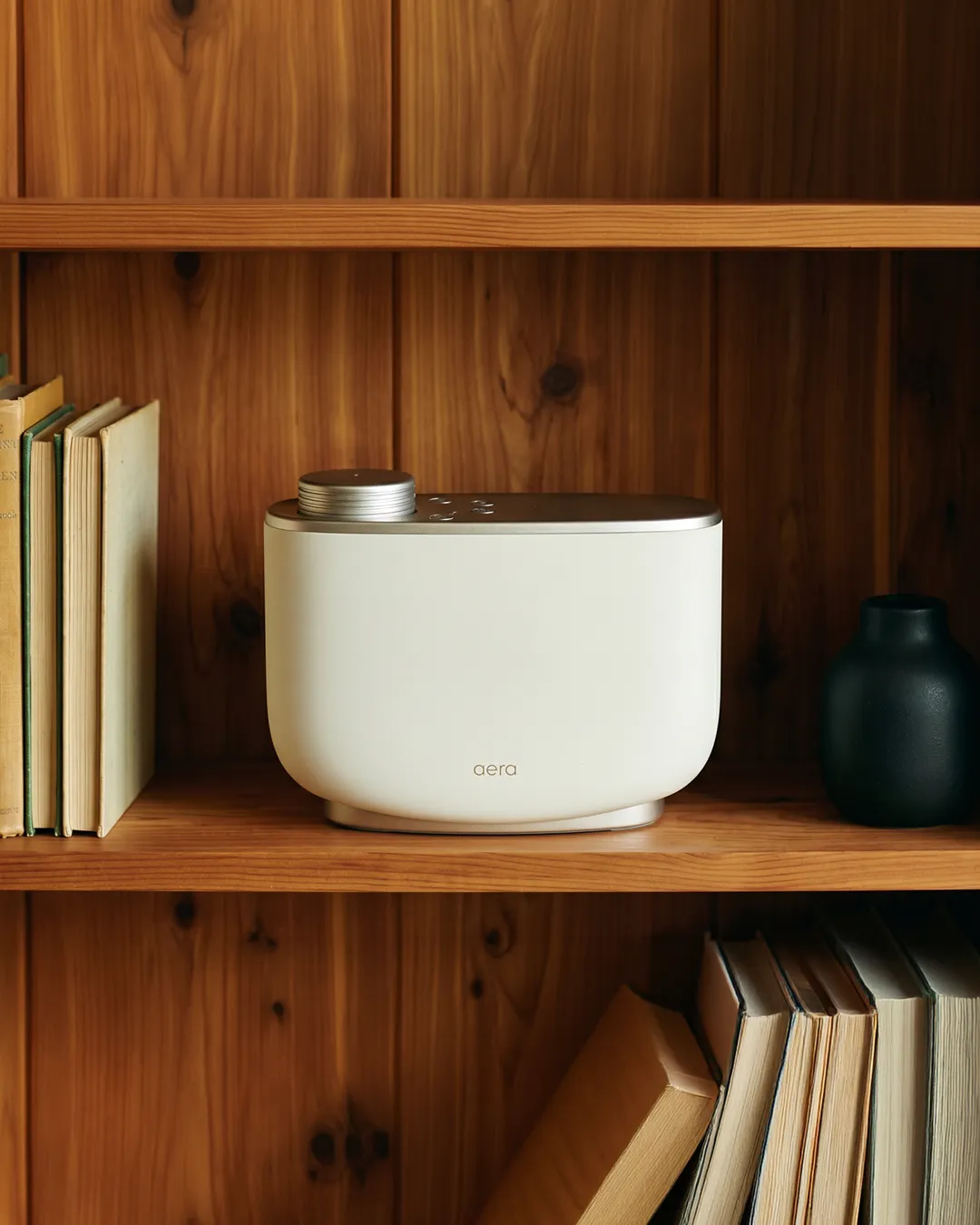
AERA · home fragrance
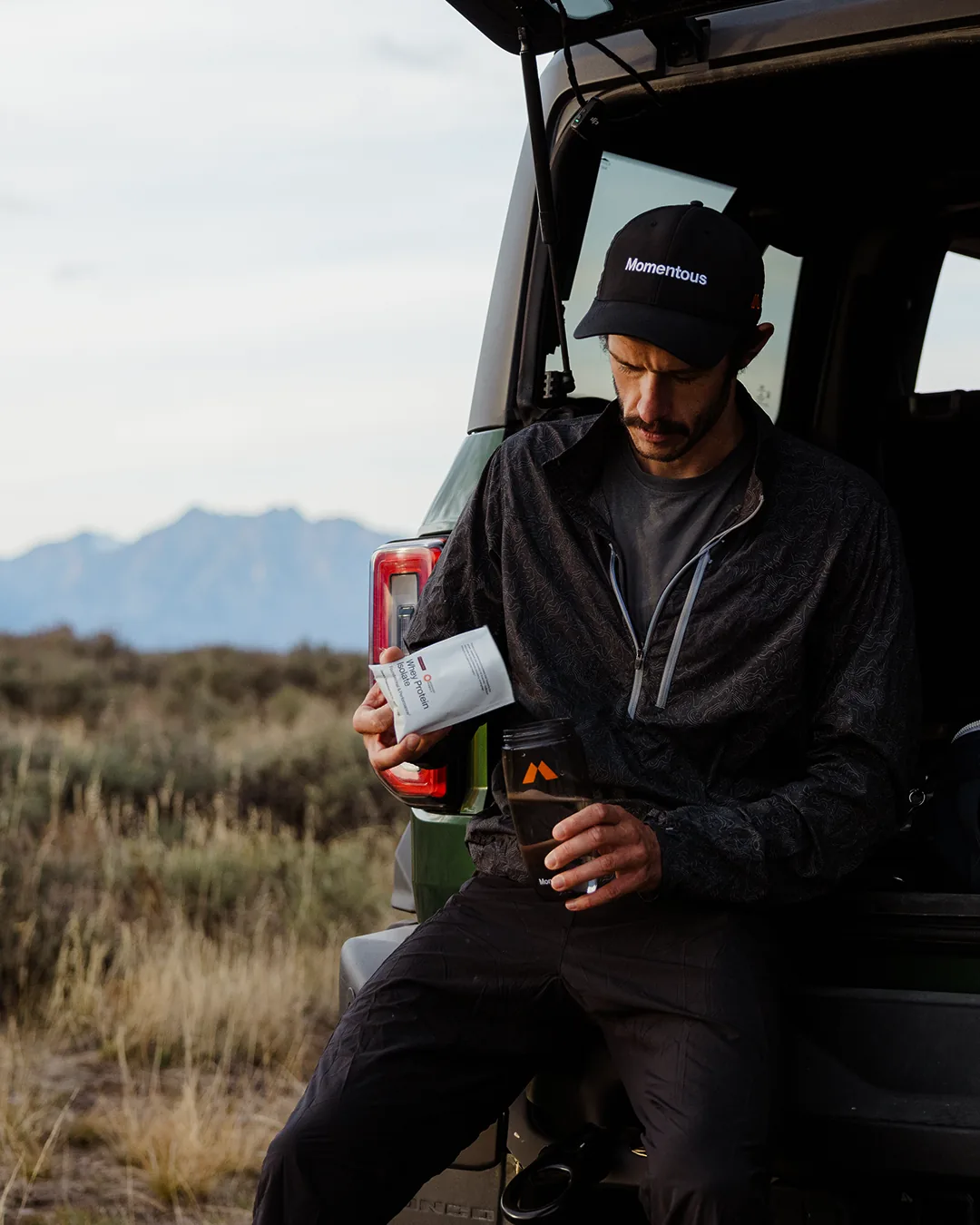
MOMENTOUS · performance
Illustrative demo. Copy and scores are sample outputs of the system, not live campaign lines.
The whole operating model is documented. Read the case studyThe Render Pipeline
This one is for brands that are nervous about AI imagery, and honestly, I get it. The pixels here are ray-traced from a 3D model, not generated. No hallucinated labels, nothing drifts. AI just runs the production line: scene setup, batching, QA.
If you have 50 SKUs and need the front, side and back of each one in identical light, this turns a quarter's project into an overnight render job on cloud GPUs. When a new product launches, you add one line to the job spec and run it again. And 3D has gotten so good I'd pick it over photography for a lot of e-com even if AI didn't exist.
- 01One model per product. The brand's own manufacturing files, or commissioned once from photos. It pays for itself the first shoot it replaces.
- 02Pick the look once. A contact sheet of the same product under ten lighting setups, or set the light yourself in Blender and save the file. Either way it's versioned, and that's what guarantees consistency.
- 03Batch it. Headless Blender from the command line, locally for iteration, cloud GPUs for the catalog.
- 04New product, same shots. Any angle, any resolution, any aspect ratio, any market.
Tools usedBlender, headless·Python·Modal cloud GPUs·Claude Code
The Bridge
This agent sits between the media buyer and the creative team, which is a seat that usually doesn't exist. I've spent most of my career being the needle between performance and brand, and this runs that seat weekly. It reads the meeting transcripts, it reads the ad account, and on Monday morning it tells us what to build, what to kill, and what's due.
The part I like most is the memory. Send it an ad concept over Telegram and it answers with history: this theme ran last holiday at the deeper discount and converted, the shallow one didn't. I think creative teams need to be attached to the data. Not drowned in it. Attached to it.
- 01It listens all week. Meeting transcripts give it the campaign calendar, the offer debates, what leadership actually said it cares about.
- 02It reads the account. Live performance through the Meta MCP: what's working, what's fatiguing, what spend is doing.
- 03It briefs on Monday. Grounded in both the conversations and the numbers, before anyone asks.
- 04It remembers. A chatbot with the institutional memory of every campaign the brand has run.
Tools usedClaude Code·Meta MCP·Meeting transcript MCP·Telegram
Illustrative sample digest · numbers synthesized for demonstration
TOP PERFORMERS
1.  "Without a word"  (9:16)   ROAS 4.2x   CTR 3.8%   Day 14
2.  "Before / After"  (4:5)    ROAS 3.9x   CTR 4.1%   Day 9
3.  "Science of scent" (1:1)   ROAS 2.7x   CTR 2.2%   Day 21 (fatigue signal)

HEARD IN THIS WEEK'S MEETINGS
Seasonal offer debate: 15% vs 30%. Last year's 30% converted; the 15% didn't.

LAUNCHING THIS WEEK
Colorway drop - June 19. Needs 3 static variants by Thursday.
-> Priority: challenge hook on colorway drop. Pull "Science of scent."
The Content Multiplier
I built the first version of this at Momentous and it's still the one I use most. A shoot happens for one hero video, but the transcript has lines in it a copywriter couldn't write, said by a real person with a face and a name. I don't like reading transcripts, so I made the system do it. Some of the best hooks I've ever run came out of a transcript nobody had read twice.
And it's an archive. Come Black Friday, you can ask if any ambassador ever talked about a product, and the answer comes back with timestamps, from a shoot everyone forgot about. One rule: never put words in anyone's mouth. Anything published under a speaker's name is their verbatim words, and they sign off first.
One shoot day becomes
26 moments · 78+ assets from the shoot day below. The editor starts from a cut plan, not six hours of tape.
Tools usedClaude Code·ElevenLabs transcription·Gemini for footage review
Real moments from one shoot day · Cindy Kramer, athletic trainer
One shoot day. 26 distinct moments. 78+ assets across email, social, blog and video.
Open source
Take the skills
These are my working versions of techniques from the performance creative world, adjusted and tuned on live client work until they shipped. The brand layers stay with the brands; the mechanics are all here. MIT licensed, no strings. Drop one into your Claude Code skills folder, point it at your own brand, run it.
brand-photographer
How I do supplemental product photography: brand extraction, reference cards, product lock, QA. The product is never AI-generated.
Downloadscoring-agents
The review panel I run before copy ships: eight agents, each an expert in one thing, a copy editor with veto power. Loops work to 90+.
Downloadcontent-multiplier
How I mine production transcripts: takeaway quotes, story assemblies, cut plans, and emails in the speaker's own words.
Downloadrender-pipeline
My headless Blender batch for catalogs: fifty SKUs overnight on cloud GPUs. AI runs the workflow, never the image.
DownloadThese are the working skeletons of skills I run in production, stripped to what transfers. If you build something with one, I'd genuinely love to see it: mike@zermato.com